

Maintaining a website is crucial for achieving its purpose, whether it’s selling products, sharing information, engaging in email marketing, or offering services. To ensure your website reaches its goals, regular website maintenance is essential. This article delves into the intricacies of website maintenance, explaining why it’s necessary and how to manage it effectively.
What is website maintenance?
Website maintenance involves keeping a website up-to-date, running smoothly, and performing optimally. This process includes tasks like ensuring all links are functional, updating content regularly, and fixing broken links. General housekeeping tasks, such as backing up the site and monitoring performance, also fall under website maintenance.
Why is Website Maintenance Important?
After you launch your website, maintaining a website is critical for success. Regular website maintenance practices prevent technical issues, enhance user experience, and ensure high search engine rankings. There are a few different types of website maintenance that you should be aware of:
11 Types of Website Maintenance
- Content Updates
- Plugin and Theme Updates
- Security Updates and Patches
- Backup and Disaster Recovery
- Performance Monitoring and Optimization
- Security Scanning
- User Management
- Accessibility Testing
- Uptime Monitoring
- SEO Monitoring
- Support and Maintenance Plans
1. Content Updates
Regularly updating your website’s content ensures it remains relevant and accurate. Outdated content can make your site look unprofessional and drive away potential customers. By keeping your information current, you maintain a trustworthy and engaging site that attracts and retains visitors.
2. Plugin and Theme Updates
Plugins are like apps for your website, adding extra features such as contact forms or SEO tools. Themes are like the design templates that control how your site looks and feels, such as its layout and colors. Keeping plugins and themes updated ensures they work smoothly with the latest browsers and security patches. For example, updating your SEO plugin helps your site rank better in search engines, while updating your theme ensures your site looks modern and functions well on all devices.
3. Security Updates and Patches.
Security patches are important updates that fix weak spots in software. These weak spots can be used by hackers to break into your site. By installing these patches, you protect your site) from these threats and keep it safe. Regularly updating your software with security patches is key to maintaining your website’s security.
4. Backup and Disaster Recovery
Regular backups are crucial for preventing data loss and ensuring you can restore your site in case of hacking or corruption. Platforms like SiteGround give great access to web hosting services that include regular backups to keep your site safe and secure. Whether you run an e-commerce store, a blog, or any other type of website, having regular backups ensures that you can quickly recover and keep your site running smoothly.
5. Performance Monitoring and Optimization
Monitoring performance helps identify potential issues with your website. Optimization tasks, like improving page loading times and minifying code, enhance the user experience. By regularly checking how your site performs and making necessary adjustments, you ensure a smooth and fast experience for your visitors..
6. Security Scanning
Regular security scans are crucial for identifying and fixing vulnerabilities on websites. By doing so, they protect both the website itself and its users from potential threats and cyber attacks. These scans help ensure that the website remains secure and that sensitive information is safeguarded against unauthorized access or exploitation.

7. User Management
If you use your website for e-commerce, membership sites, or online communities, managing user accounts efficiently ensures that everyone can use the website smoothly and safely and that the right accounts can access the right information. You may need to create new accounts for users, delete accounts that are no longer needed, and reset passwords when users forget them. Managing user accounts is crucial for a secure and user-friendly website.
8. Accessibility Testing
Ensuring your website is accessible to all users, including those with disabilities, mobile device users, and people with slow internet connections, is crucial for inclusivity. By making your site easy to use for everyone, you create a welcoming and user-friendly experience that benefits all visitors.
9. Uptime Monitoring
Uptime refers to the amount of time your website is up and running without interruptions. Monitoring uptime solidifies your website is available to users at all times. Quick action is needed if the site goes down to minimize downtime. By keeping an eye on uptime, you can ensure your site remains accessible and reliable for your visitors.
10. SEO Monitoring
Tracking your site’s SEO involves monitoring its search engine rankings, backlinks, and traffic levels. This helps identify issues early on and measure progress over time. Rankings show where your site appears in search results, backlinks indicate its authority, and traffic reveals visitor engagement. Regular tracking with tools like Google Analytics ensures effective SEO management, optimizing visibility and attracting more visitors to your site.
11. Support and Maintenance Plans
Many maintenance plans include essential services like web hosting, SSL certification, and email support, ensuring your website remains up-to-date and secure. With a maintenance plan, you can prevent problems instead of just reacting to them. Each maintenance plan can have different features and it is important to find the right one for you.
Average Costs of Website Maintenance Services
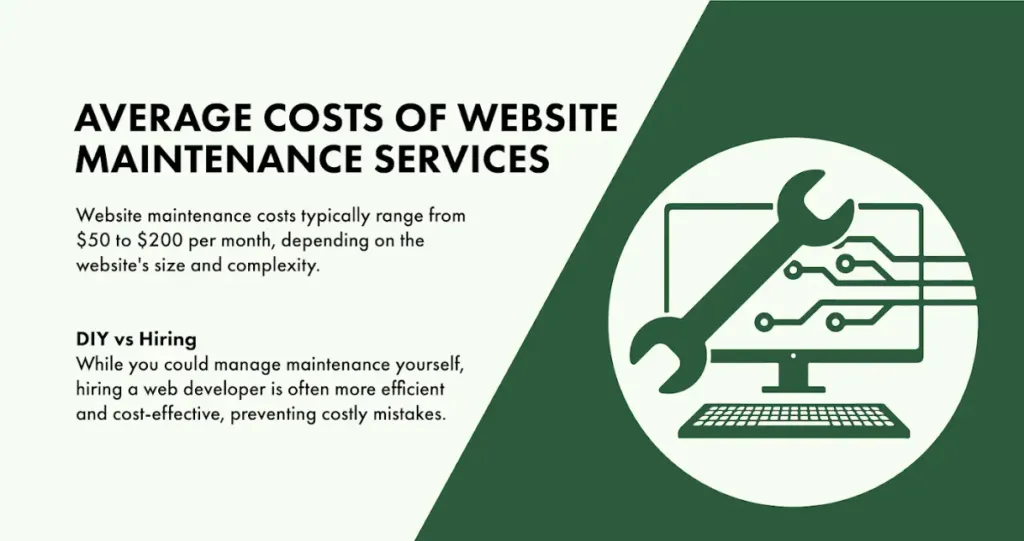
Website maintenance costs typically range from $50 to $200 per month, depending on the website’s size and complexity. While you could manage maintenance yourself, hiring a web development company like Optima Web Solutions is often more efficient and cost-effective, preventing costly mistakes.
How Often Should You Perform Website Maintenance?
The frequency of website maintenance depends on your website’s size, complexity, and how often it’s updated. Generally, monthly maintenance is recommended to keep your site running smoothly. However, some tasks, like uptime monitoring and security scanning, can be automated for continuous performance. Regular updates ensure your website remains secure, relevant, and efficient, providing a seamless user experience and maintaining high search engine rankings.
Why Site Maintenance is Necessary
Website maintenance is crucial for ensuring your site functions correctly, appears fresh, and delivers an excellent user experience. It also boosts SEO rankings and shields your site from security threats. Opting for a versatile website builder like Optima Web Solutions can streamline maintenance tasks, making it simpler to keep your website in optimal condition. Regular maintenance transforms your website into a valuable asset, helping you achieve your online goals and maintain your brand’s success.
Ready to take your business to the next level? Book a 20-minute free consultation with Optima Web Solutions today and discover how we can help your business thrive online. Don’t forget to follow us on Facebook, Instagram, and LinkedIn for the latest updates and digital marketing tips.