
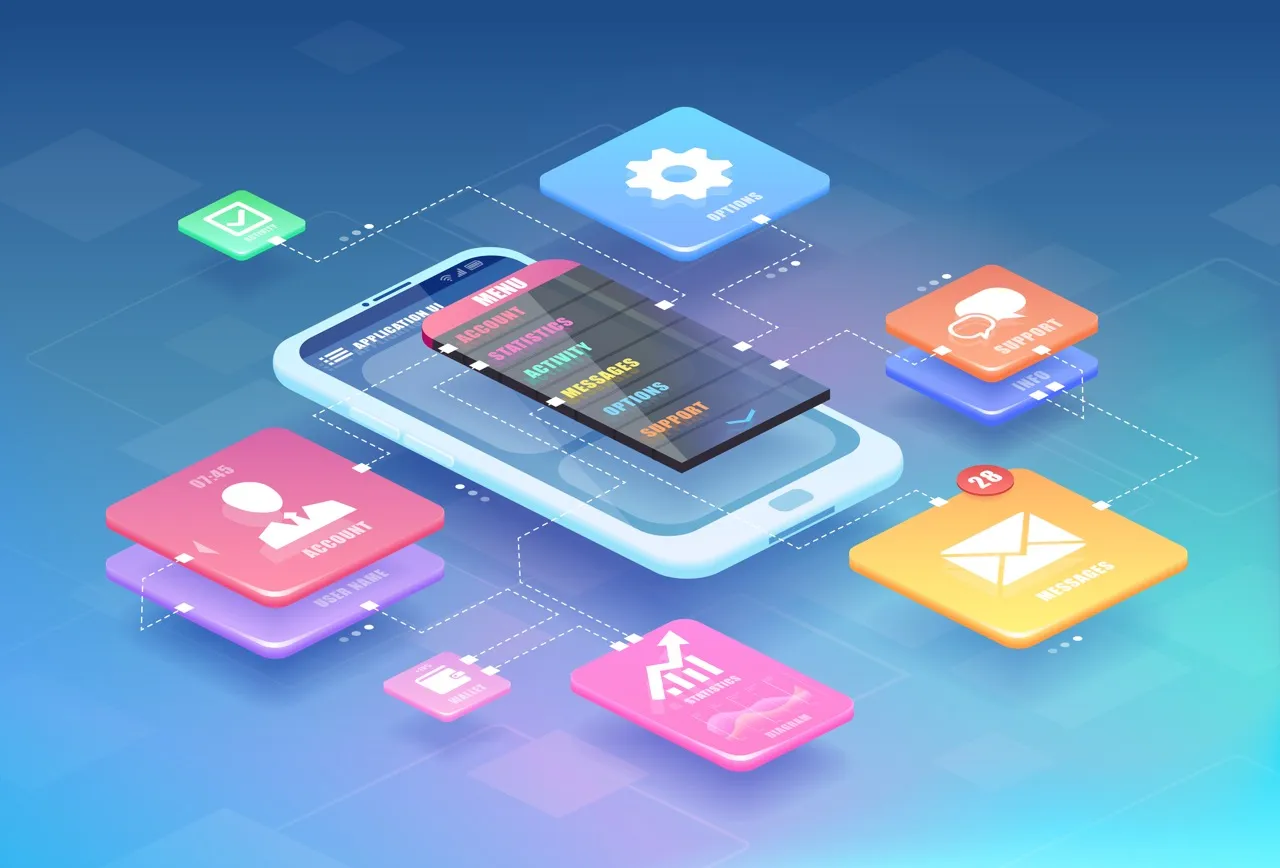
In today’s digital landscape, effective app design isn’t just a luxury—it’s essential for success. Since most people use their phones and tablets to connect with services online, creating apps that are easy to use, interesting, and work well has become a priority for designers and developers alike. In this guide, you’ll learn the main ideas behind good mobile app design that are key in 2025. We’ll also look at the newest trends that are changing how apps look and feel, and some common mobile app tools you can use.
What is App Design?
Designing an app involves strategically planning and structuring a digital tool for mobile devices. It’s a process that goes beyond visual aesthetics to define the app’s functionality, user interface (UI), and overall user experience (UX).
App designers focus on understanding the target audience and their needs to create a solution that is both effective and easy to use. This includes mapping out the app’s architecture and user flows, determining how different screens and features will connect. Ultimately, app design is about creating a functional, visually coherent, and user-friendly product that meets specific goals.
The App Design Process
As we continue our guide to mobile app design, let’s now examine the structured yet iterative process involved in bringing these concepts to reality.
1. Research and Discovery
The first step is to understand what’s already out there – what other apps are like yours, and what they offer. Even more important is figuring out exactly what the people who will use your app need and want. For a farming app, this could mean going out and talking to farmers and farmworkers to see how they do their jobs every day. This helps you get a clear picture of what problems your app needs to solve.
2. Information Architecture
Next, you need to map out the logical structure of your app. This means organizing all the different buttons, information, and features, in a way that makes sense to the people using it. This helps users find what they need easily and understand how everything connects.
3. Wireframing
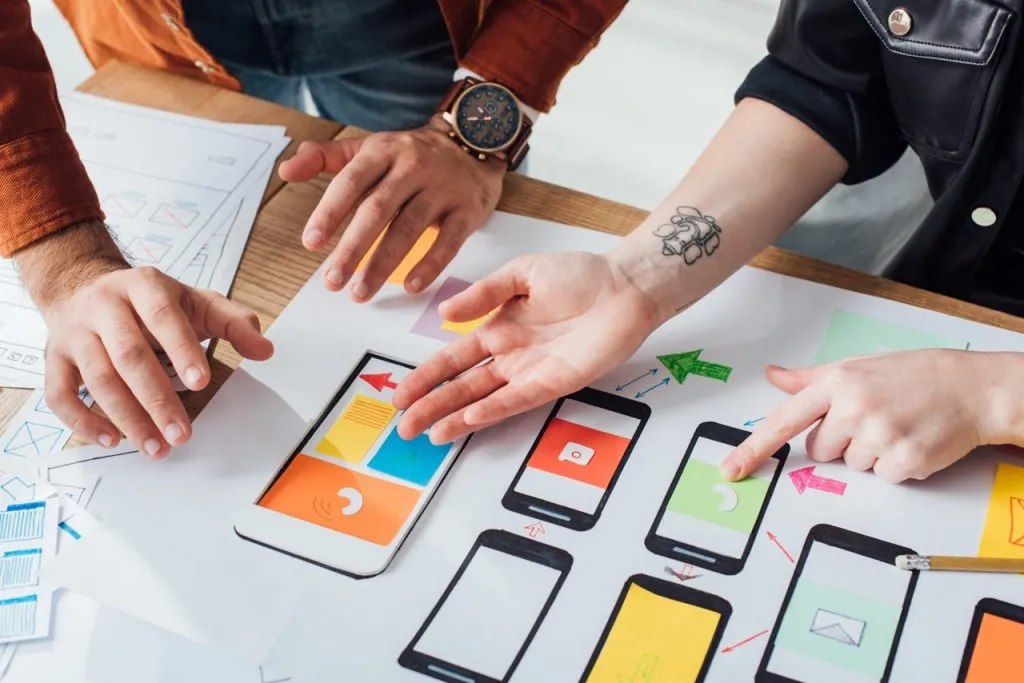
Before you start making the app look pretty, it’s helpful to draw simple outlines of all the screens. These basic plans, called wireframes, help you see how the app will flow and how users will move from one page to another. This stage lets you quickly make changes and get feedback from others before you spend time on the detailed designs and app development.
4. Visual Design
Once you have the basic structure, you can start making them look good. This involves choosing colors, fonts, and the overall style that matches your brand and is also easy for people to use. One example is to consider environmental factors—like using high-contrast elements for outdoor visibility.
5. Prototyping and Testing
Before diving into developing the app, it’s a good idea to create interactive versions called prototypes. These are like working models that you can test with real users. By letting people try out these prototypes, you can find any problems before you spend a lot of time and money building the final version. This helps catch issues that you might have otherwise gone unnoticed until after launch.
6. App Launch and Deployment
With a thoroughly tested and refined app, the final stage is app launch and deployment. This involves preparing the app for release on the relevant app stores (Apple App Store for iOS and Google Play Store for Android). This includes creating compelling app store listings with engaging descriptions, relevant keywords (for app store optimization – ASO), attractive screenshots, and potentially a preview video. The deployment process involves adhering to the specific guidelines and submission processes of each app store. Once approved, the app becomes available for users to download and install.
7. Post-Launch Monitoring and Iteration
The journey doesn’t end at launch. Post-launch monitoring and iteration are crucial for the long-term success of the app. This involves tracking key metrics like downloads, user engagement, retention rates, and user feedback through reviews and support channels. Based on this data, further iterations and updates are planned and implemented to address user needs, fix any emerging issues, introduce new features, and continuously improve the app over time.

Mobile Application Design Trends in 2025
The mobile app design landscape continues to evolve rapidly. Here are some of the dominant trends shaping successful apps this year:
Minimalist UI with Purpose
Simple-looking apps aren’t just nice to look at. They also make it easier for your brain to process information, so people can focus on what the app is really supposed to do. Today’s app design often uses “purposeful minimalism.” This means that every single thing you see on the screen has a clear job and looks good at the same time. It’s about getting rid of anything extra so the important stuff stands out and is easy to use.
Microinteractions That Delight
Tiny, well-thought-out animations and how the app responds to user actions can make you feel more connected to the app and make it easier to use. These little details – like when a button changes when you tap it, a small animation while something is loading, or a visual to show you’ve done something correctly – can really elevate the overall experience.
Dark Mode as Standard
Having a dark screen option, called dark mode, used to be just a special feature in mobile app design. Now, many people expect it. Besides just looking different, dark mode can be easier on your eyes, especially in low light. It can also help your phone battery last longer if your screen is a certain type (OLED). Because of these benefits, it’s becoming a standard choice in many apps.
Voice and Gesture Controls
As phones and tablets get more advanced, good app design is using more natural ways for people to interact with them. Using your voice to tell the app what to do or using simple gestures (like swiping or pinching) can make complicated things easier and and make apps more accessible.
Useful Tools for Mobile App Design
To make your mobile app design ideas come to life, having the right tools is key. Here are some good options, grouped by what they do:
UI Design and Prototyping: Tools for Visual Elements and Interactive Elements
These are the main tools for bringing your mobile app design ideas to life. They help you build the look and feel of the app, decide how it will work, and create early versions you can test.
- Figma: The Collaborative Powerhouse This popular online tool is an industry favorite because it lets many people work on the same design at the exact same time. Figma helps designers create sharp, pixel-perfect designs that look great on any phone or tablet. It also makes it easy to reuse design parts and link screens together, so you can quickly test how simple your app is to use.
- Sketch: The Mac-First Design Canvas If you work on a Mac, Sketch is a go-to choice known for its clean look and focus on UI design. It offers many add-on programs that let you do more, like making images or animations. Sketch is especially strong at creating reusable pieces of your app design, making it easier to keep things consistent.
- Adobe XD: Seamlessly Connected Design Part of the Adobe family, Adobe XD works smoothly with other Adobe programs you might already use. It’s a flexible tool for both designing how your app looks and how it works. Adobe XD has clever features to quickly make lists of items and create smooth, engaging transitions between different app screens. It works on both Mac and Windows computers.
- Framer: For Advanced Interactive Prototypes While you can design visuals in Framer, its real strength is making highly interactive early versions of your app. It lets designers build realistic animations and screen changes, sometimes even using code. This makes Framer perfect for testing out complicated ways people might use the mobile app and exploring tiny, delightful movements within the design.
Tools for Testing Early Versions with Users (Prototyping and User Testing)
These tools are all about creating working models of your mobile app and testing them with real people to get valuable feedback. They help you find out what works and what doesn’t before the app is fully built.
- InVision: Bringing Designs to Life for Feedback InVision helps you turn your static app designs into interactive early versions. You can add clickable areas, smooth screen changes, and animations to show exactly how the app will feel when used. It also has features that make it easy to gather comments and feedback from others, helping you improve your design.
- Maze: Testing How Users Actually Behave Maze specializes in testing how easy your app’s early versions are to use. It lets you run tests with real people and watches how they interact with your design. Maze provides useful information, like how quickly people can complete tasks or if they struggle to find what they need. This data helps you understand where to make your app’s design clearer and more user-friendly.
Choosing the Right Tools
The best tools for you will depend on what you need, how many people are on your team, how much money you have, and how you like to work. Try out some free versions of these tools to find what works best for your mobile app design projects.

Measuring App Design Success
How do you know if your app design is effective? There are many different metrics you can look at beyond downloads that reveal true engagement:
User Retention Rates Over Time (Keeping Users Coming Back)
User retention rate tells you how many people who download your app continue to use it over a period of time, like a week, a month, or even longer. A high retention rate means that people find your app valuable and keep coming back for more. If this number is low, it might mean that the app design isn’t meeting their needs or isn’t engaging enough. By tracking retention, you can see if changes you make to the design are helping to keep users interested long-term.
Task completion rates
Task completion rates measure how often users are able to successfully do what they came to your app to do. For example, if it’s a shopping app, this would be how often people successfully complete a purchase. If users are struggling to finish tasks, it could point to problems with the app’s navigation, how information is organized, or the design of key features. Improving task completion rates often means making the app’s design clearer and easier to use.
Average session duration
Average session duration is the average amount of time people spend using your app each time they open it. A longer session duration can suggest that users are finding the content engaging and are exploring different features. However, it’s important to consider the context of your app. For some apps, like a quick utility tool, shorter sessions might be expected. Analyzing session duration can help you understand if your app design is holding users’ attention.
Conclusion
Effective app design balances aesthetics, functionality, and business goals to create experiences that users value. By focusing on user needs while embracing current best practices, mobile app designers can create mobile applications that stand out in today’s crowded digital marketplace.
Remember that the most successful designs are those that solve real problems in ways that feel natural and effortless to users. By keeping these app design principles at the forefront of your process, you’ll create a product that not only meets but exceeds user expectations.
Ready to take your business to the next level? Book a 20-minute free consultation with Optima Web Solutions today and discover how we can help your business thrive online.